A clear setup.
A useful next step.
Start with your client or the problem in front of you. Each guide explains the settings, shows a readable example and helps you check what happened.
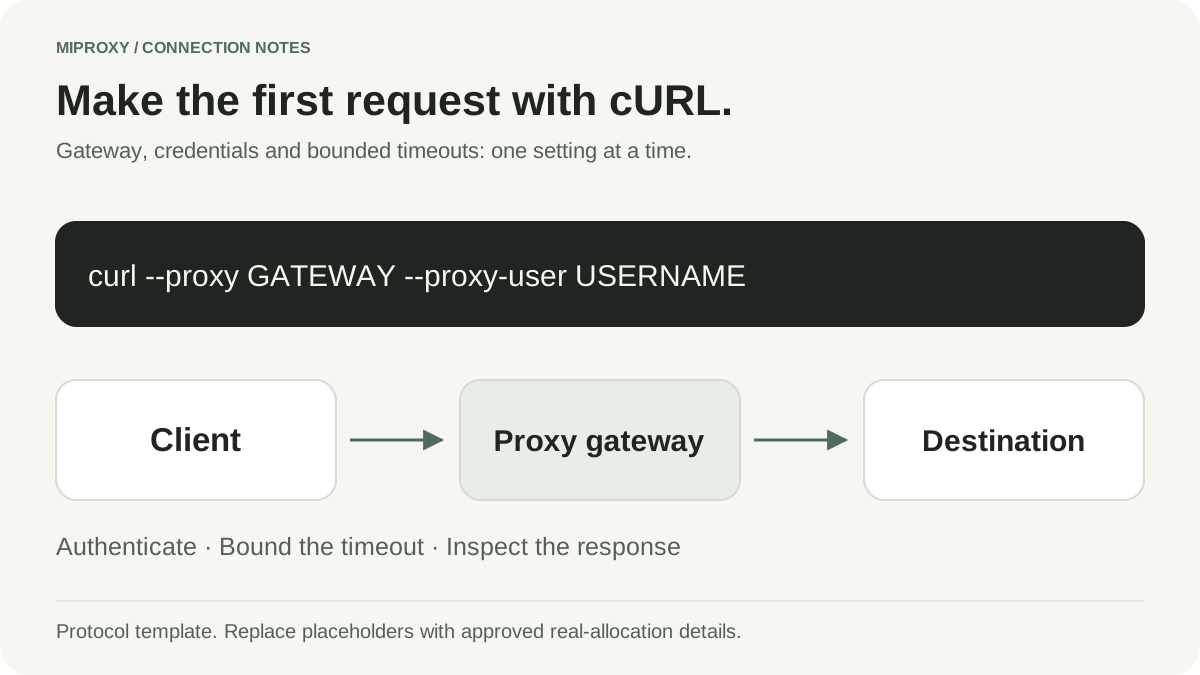
How to use a proxy with cURL
Configure an authenticated HTTP proxy in cURL with timeouts, TLS verification and a focused connection troubleshooting checklist.
Read the guide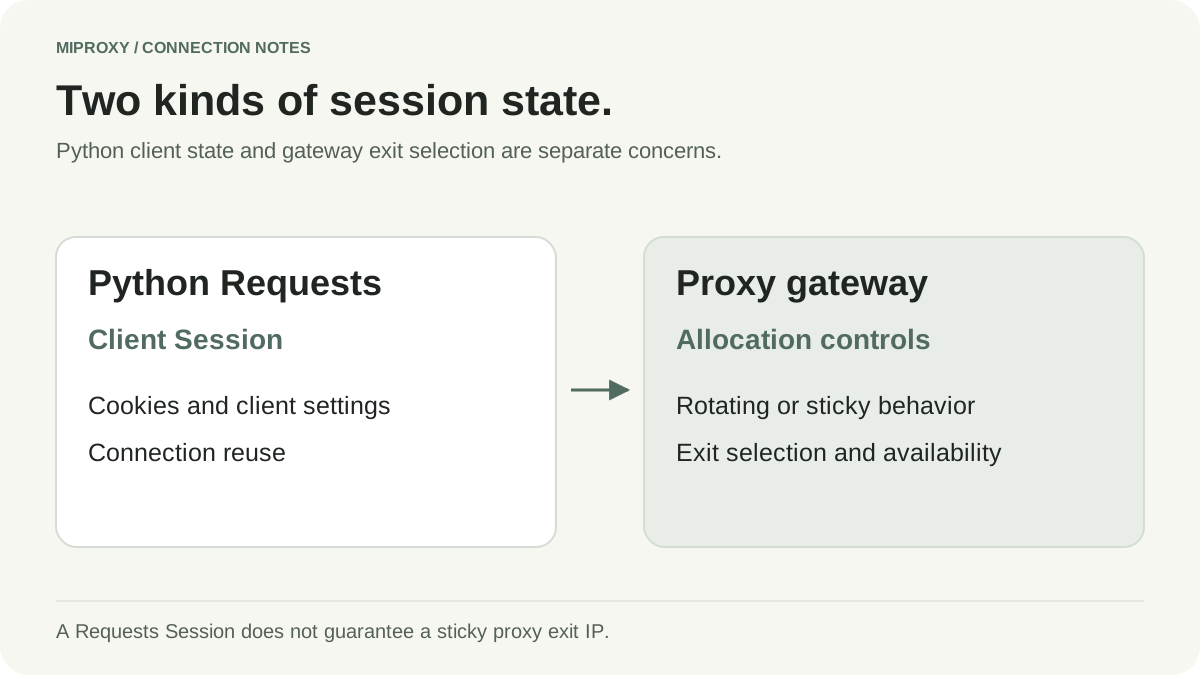
Use an authenticated proxy with Python Requests
Set up Requests proxy routing with encoded credentials, explicit timeouts and TLS verification, then diagnose common connection failures.
Read the guide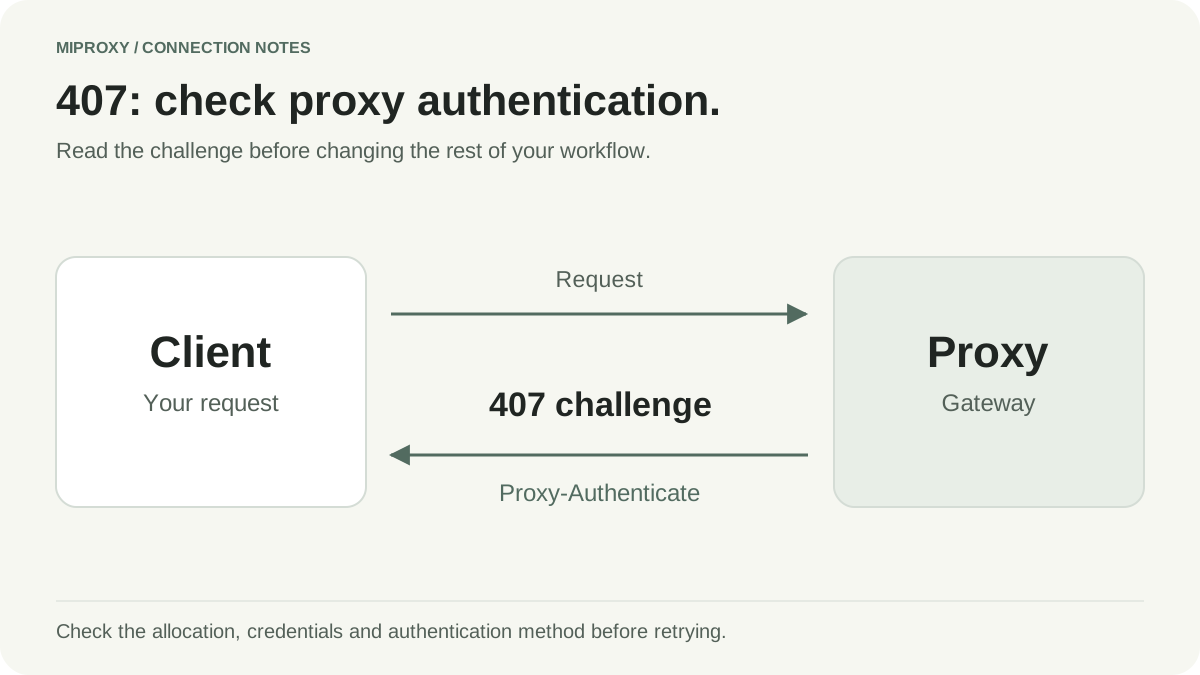
Fix HTTP 407 Proxy Authentication Required
Diagnose proxy authentication errors by checking credentials, gateway details, escaping and allowlists without disabling TLS verification.
Read the guideWhat are you working on?
New to the workspace?
The quick start explains the order and allocation steps before the client code. The session guide helps you choose behavior after the first request works.
Examples with their assumptions visible
Examples are protocol templates with placeholder credentials. Each article links to primary documentation and distinguishes general client behavior from verified MiProxy capabilities. A live request requires an approved real allocation and a permitted destination.
Written by MiProxy. Updated October 16, 2026. General technical guidance is separated from product capabilities. Provider comparisons cite official sources and do not imply independent testing or guaranteed results.
See current MiProxy product facts ↗